

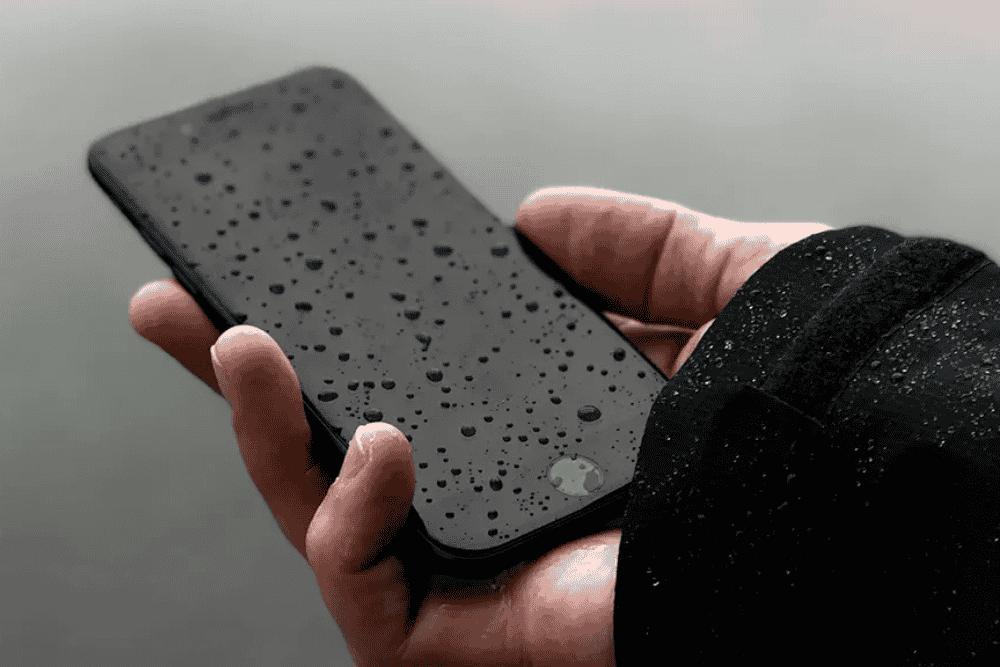
It only takes a second. A phone slips into the sink. A drink spills across the table. You’re caught in an unexpected downpour. Water damage can feel like a tech emergency — and it often is. But the good news? Most water-damaged phones can be saved — if you act quickly, and correctly.
At SellPhone Lab, we’ve seen it all: phones dropped in bathtubs, left in rain-soaked bags, even rinsed by accident in washing machines. And what we’ve learned over the years is this — it’s not the water that kills the phone, it’s the time and the wrong reactions.
Here’s a detailed breakdown of what you should (and shouldn’t) do, and how to give your device the best possible chance of recovery.
The first 60 seconds after water damage can make or break your phone — act fast, act smart.
1. Power It Off Immediately
This is the single most important step. Do not check if your phone is working. Do not press random buttons or try to unlock it. Water and electricity don’t mix — and keeping your device on could short the circuits and damage the motherboard.
Hold the power button and shut it down immediately, even if everything seems normal. This step alone could save your device.
2. Remove the Case, SIM Card, and Accessories
Take off any covers or cases. They trap moisture inside and prevent evaporation. Remove your SIM card, memory card, and any accessories connected to the phone — these components can corrode quickly and damage your device further.
If you can open a battery compartment (on older phones), take the battery out gently. For newer, sealed devices — leave battery removal to professionals.
3. Skip the Hairdryer (Seriously)
Many people instinctively reach for heat, thinking it’ll “dry out” the water. But here’s the truth: heat causes more harm than good. Hairdryers, ovens, heaters — all of them can melt internal components, warp delicate circuits, or push water deeper into the device.
Don’t try any quick-dry hacks. No rice bowls. No sunlight. No heating pads. Instead…
– Gently Pat Dry and Leave It Alone
Use a clean, dry cloth to dab away surface moisture. Tilt the phone gently to allow trapped liquid to escape — especially from ports and speaker holes. Place the phone in a ventilated, dry environment (not airtight), and do not attempt to charge or restart it.
If available, place the device in a sealed bag or box with silica gel packets (those little pouches you find in new product packaging). They’re far more effective at absorbing moisture than rice.
– Bring It to a Repair Specialist ASAP
Even if your phone “starts working again,” water damage can cause hidden corrosion that builds over time and silently destroys your device weeks later. That’s why professional cleaning — especially ultrasonic cleaning and board-level inspection — is critical.
At SellPhone Lab, we handle water-damaged devices every single day. And when caught early, many are fully recoverable.
How SellPhone Lab Supports You — After Water Damage
We know how stressful it is to lose access to your phone — not just because of the hardware, but because of the photos, messages, contacts, and data inside.
At SellPhone Lab, we don’t treat water damage like a lost cause. Our technicians perform deep-dive diagnostics using ESD-safe workstations and industry-grade tools to assess what’s damaged, what can be saved, and what needs to be replaced — all while keeping your data as secure as possible.
If it’s fixable, we’ll restore it. If it’s not, we’ll help you understand your options clearly and affordably — including recovery, trade-ins, or replacement models. Either way, we’re not here to upsell or overpromise — we’re here to give you real support.
So if your phone’s been exposed to water — even if it seems fine — don’t wait. Every hour counts. Bring it into SellPhone Lab, and let’s take care of it the right way.

