

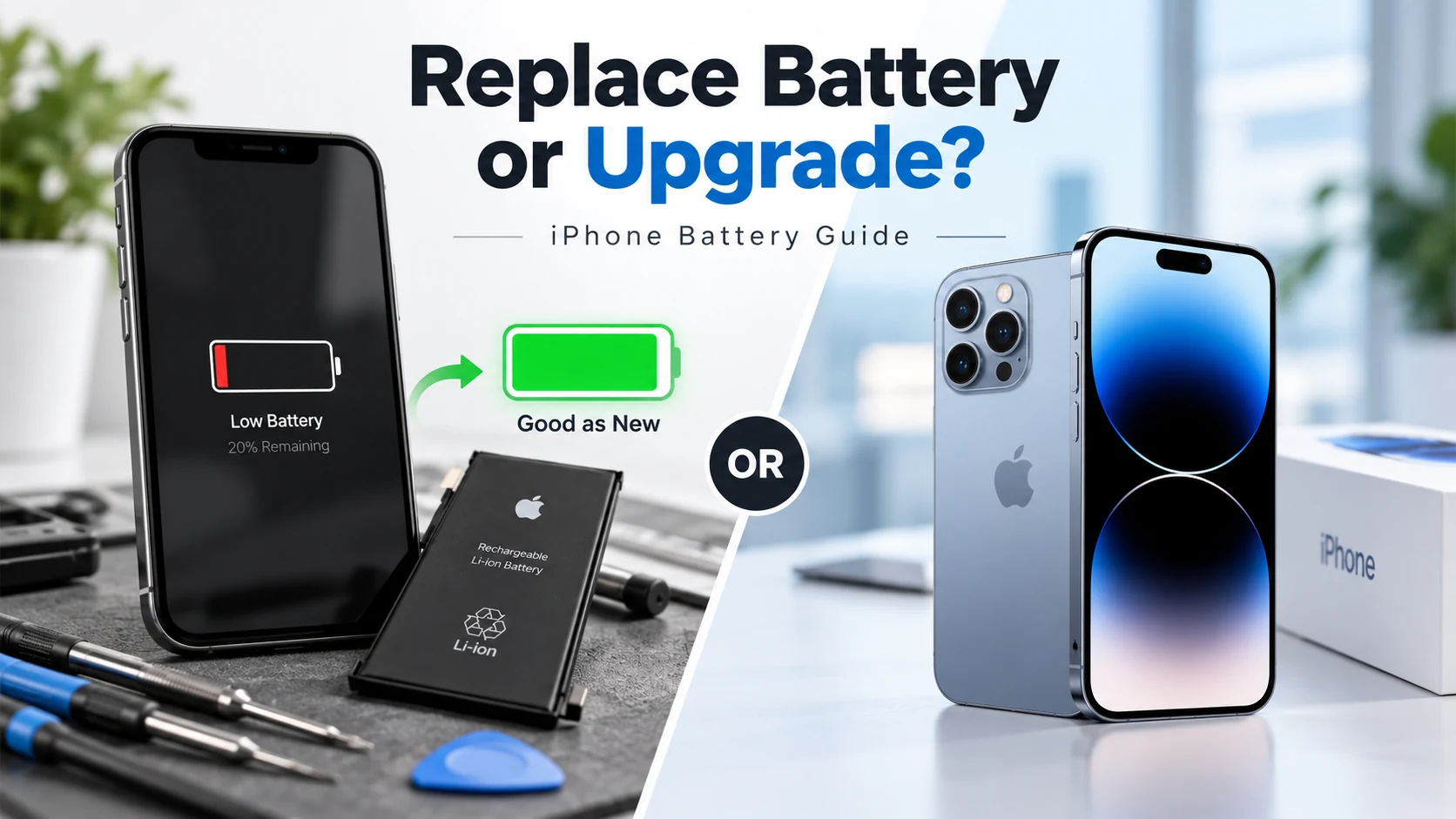
Replacing your iPhone battery is usually worth it when battery life is your main problem and the rest of your phone works well. If your iPhone has multiple hardware issues or no longer meets your needs, upgrading may offer better long-term value.
This guide covers how to check your battery’s real condition, what affects replacement pricing, and when a new battery makes more sense than upgrading. At SellPhone Lab, we diagnose and repair iPhone batteries every day in Calgary and Olds, so this is the same breakdown we give customers in person.
How Do You Know When Your iPhone Battery Needs Replacing?
Not every battery issue means you need a replacement right away, but a few signs are worth paying attention to.
How to Check Your iPhone’s Battery Health and Maximum Capacity
Go to Settings, then Battery, then Battery Health and Charging. This shows your Maximum Capacity as a percentage, comparing your current capacity to how it performed when new. A battery at 100 percent performs like new, while one at 80 percent has lost roughly a fifth of its capacity. Apple itself flags anything below 80 percent as worth considering for replacement, since battery chemistry degrades faster past that point.
Common Signs Your iPhone Battery Is Wearing Out
A few patterns tend to show up together. Your phone drains noticeably faster than before, even with the same habits. It shuts off unexpectedly at 20, 30, or even 40 percent, well before it should be empty. Charging takes longer, or the phone feels warm during light use like scrolling or texting. Performance may feel sluggish too, since iOS manages performance to prevent random shutdowns from an aging battery. Two or more of these together almost always point to battery wear.
Is Battery Drain Always Caused by a Bad Battery?
Not necessarily. A recent iOS update, a misbehaving app running in the background, or location services left on for apps that don’t need them can all drain a battery that’s otherwise healthy. If your Battery Health percentage is still high but your phone drains fast, the cause is more likely software than hardware, and a diagnostic can tell you which one you’re dealing with.

Is Replacing an iPhone Battery Worth the Cost?
For most people, yes, but the answer depends on a few specific factors.
What Affects iPhone Battery Replacement Costs in Canada?
Pricing varies based on your specific iPhone model, since newer models often use larger, more complex batteries. The type of battery used matters too. Parts built to match Apple’s original specifications typically cost more than generic, unverified batteries, but perform more reliably and last longer. Labor and diagnostic time factor in as well, particularly if your phone needs a broader inspection beyond the battery itself. Getting a quote for your exact model is the only way to know your real number.
When Does Battery Replacement Offer Better Value?
Replacement offers the strongest value when the rest of your phone is in good shape. If your screen, cameras, speakers, and charging port all work properly and your main complaint is battery life, a replacement is almost always cheaper than buying a new or certified pre-owned device. It’s also the better call if you’ve recently paid for another repair, like a screen replacement, since a failing battery on an otherwise solid phone wastes that investment.
What Happens After You Replace Your iPhone Battery?
A new battery changes more than just how long your phone lasts between charges.
Will a New Battery Improve Battery Life?
Yes, and usually right away. A fresh battery restores your maximum capacity back to, or close to, 100 percent, giving you a full day of normal use again instead of watching the percentage drop in real time. The unpredictable shutdowns that come with a worn battery also stop, since a healthy battery can reliably deliver power even during demanding tasks like gaming or navigation.
Does Replacing an iPhone Battery Improve Speed and Performance?
Often, yes. When iOS detects a battery that can no longer reliably supply peak power, it automatically throttles performance to prevent unexpected shutdowns. This can make an older phone feel sluggish even if the processor is perfectly capable. Once a healthy battery is installed, that throttling is no longer necessary, and many people notice their phone feels noticeably faster right after a replacement.
Should You Replace Your iPhone Battery or Upgrade Your Phone?
This is usually the real question once battery wear becomes obvious, and the answer depends on the condition of the rest of your device.
When Battery Replacement Is the Smarter Choice
If your iPhone is otherwise in solid condition, still receives software updates, and doesn’t have other hardware issues piling up, replacing the battery is almost always the more financially sound decision. You get a phone that performs like new again for a fraction of what a replacement device would cost, without the hassle of transferring data and relearning a new device.
When Buying Another iPhone Makes More Sense
Upgrading starts to make more sense when battery wear is just one of several problems. If your phone also has a cracked screen, a failing charging port, or storage that’s constantly full, repair costs can stack up close to the price of a certified pre-owned replacement. It’s also worth considering an upgrade if your current model is several years old and approaching the end of software support.
Is Trading In Your Old iPhone or Buying Refurbished a Better Alternative?
If you decide it’s time to move on from your current phone, you have better options than paying full retail for a replacement. Trading in your old iPhone applies its value directly as credit toward your next device. Buying a certified pre-owned iPhone instead of a brand new one can also save you hundreds of dollars, since these devices are inspected, tested, and backed by a warranty, without the price tag of the newest release. Combining a trade-in with a certified pre-owned purchase, and financing the difference through Affirm if needed, is often the most cost-effective way to upgrade once a battery replacement alone isn’t enough.
What Should You Know Before Getting an iPhone Battery Replaced?
Not all battery replacements are equal, and a few details make a real difference in how your phone performs afterward.
Battery Quality, Repair Warranty and Parts Verification
The quality of the battery itself matters more than people expect. One built to match original specifications for voltage, capacity, and safety performs reliably over time, while a low quality, unverified battery can degrade quickly or pose a safety risk. Always ask what type of battery is being installed. A trustworthy shop will also back the work with a warranty, so if something isn’t right after you leave, you’re covered without paying twice for the same problem. At SellPhone Lab, every battery replacement uses parts built to meet original performance standards and is backed by our repair warranty, with most jobs completed the same day.
Frequently Asked Questions About iPhone Battery Replacement
Is It Worth Replacing an iPhone Battery at 80% or 85% Health?
At 85 percent, most people can wait a little longer unless they’re already noticing symptoms like fast drain or unexpected shutdowns. At 80 percent, replacement is generally worth it, since that’s the threshold where Apple itself flags reduced performance and reliability.
Is Battery Replacement Worth It for an Older iPhone?
Yes, as long as the rest of the phone is still functional and you plan to keep using it. A battery replacement is far cheaper than a new device and can meaningfully extend an older iPhone’s useful life, especially if it still receives software updates.
How Long Does an iPhone Battery Replacement Take?
Most battery replacements are completed the same day, often within about an hour, depending on the model and current shop volume.
Will I Lose My Data After Replacing an iPhone Battery?
No. A battery replacement doesn’t involve wiping or resetting your phone, so your photos, apps, messages, and settings all stay exactly as they were before the repair.

